 QiblaFind
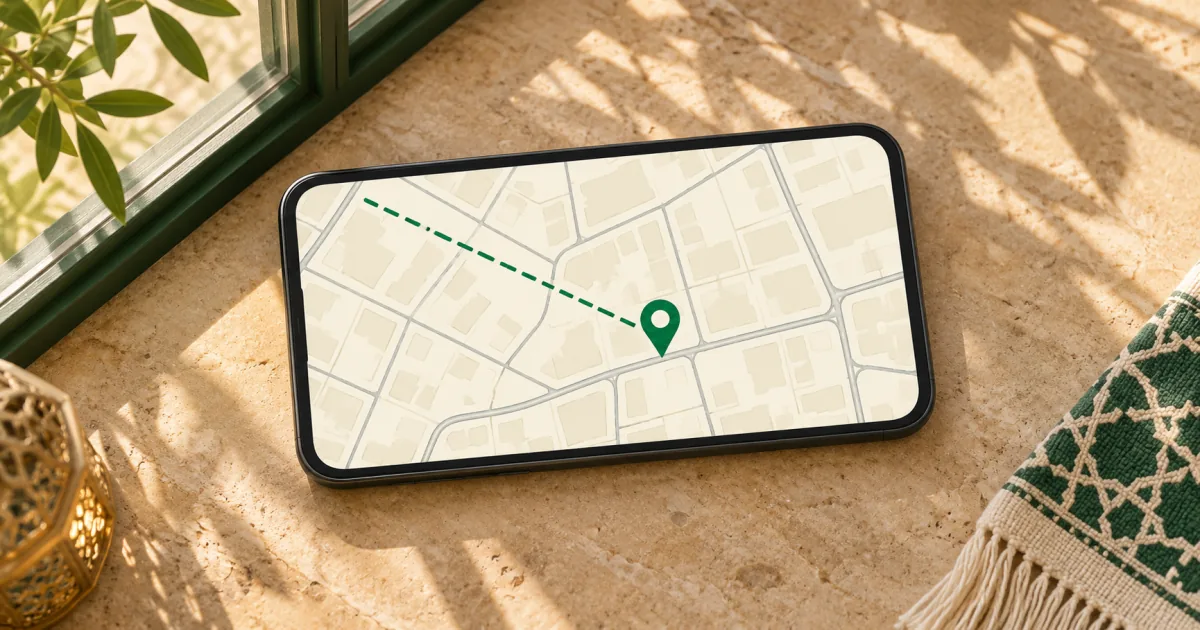
If you know where you’ll pray, you can check the Qibla before you get there. Start with the city, zoom into the block and place the pin at the building or outdoor spot you plan to use. The green line leaving that pin shows which way to face toward the Kaaba in Makkah. You can do this on a phone or computer without turning on a device compass. Open the Qibla Finder Map
Choose where you’ll pray
Use Use my location when you’re already at the spot. Your browser asks for location access, and the map places the pin at the position it receives. If that pin lands on the wrong side of a street or in a neighboring building, move it to the point you can identify on the map.
Search for a city when you’re planning ahead or prefer to keep location access off. A search result starts at the city center. For a neighborhood view, pan or zoom to your building, then tap or click the location to move the pin. You can also move the map until the crosshair rests on the spot and choose Use map center. On a keyboard, focus the map and use the arrow keys to pan.
Read the line from your pin
The top of the map is true north. The Qibla bearing measures clockwise from there. East is 90°, south is 180° and west is 270°. Read the green line where it leaves your pin. That short stretch shows the direction from the place where you’ll stand.
At QiblaFind’s reference point in central Bangkok, for example, the bearing is about 286.9°. On the north-up map, that’s about 17° above due west. If you’re looking at a westbound street, the Qibla points a little to the north of it. Try placing the pin at your own starting point, then compare the line with a landmark you can see. Bangkok Qibla direction and reference bearing
Use a street or building edge to face the right way
Stay zoomed in while you compare the bearing with the area around you. Pick a street, building edge or path you can identify both on the map and on the ground. It helps if you can see which end faces west or north. A street runs in two directions, and the same line can send you 180° off if you follow the wrong end.
Compare the angle where the Qibla line leaves your pin with that landmark. Indoors, an exterior wall or a corridor that follows the building’s outline can give you the same reference. Look for a window, door or point on the wall in the direction you need, so you can put your phone down and still know which way to face.
Zoom out to see the route to the Kaaba
Choose Show full route to see the entire great-circle path. A great circle gives the shortest path between the two points in the site’s spherical model of Earth. That path can look curved when drawn on a flat map. For prayer, use the bearing at the beginning of the path. The distance shown is measured along the same path on the globe. How QiblaFind calculates the Qibla bearing
Choose Zoom to your pin to return to street level. The close-up is where you can judge how the bearing relates to the room, street or landmark in front of you.
When location or compass access is unavailable
City search and manual pin placement work without location permission or a motion sensor. The base map uses OpenStreetMap tiles, so the tile provider receives your IP address and the area you’re viewing. If the browser’s location estimate is unreliable, use an address, street or landmark you recognize to place the pin.
If you’re outside and would rather turn with your phone than line up a landmark, try the camera-based guide on a supported device. It uses the same geographic bearing and the phone’s motion sensors to show which way to turn. Open the AR Qibla Locator